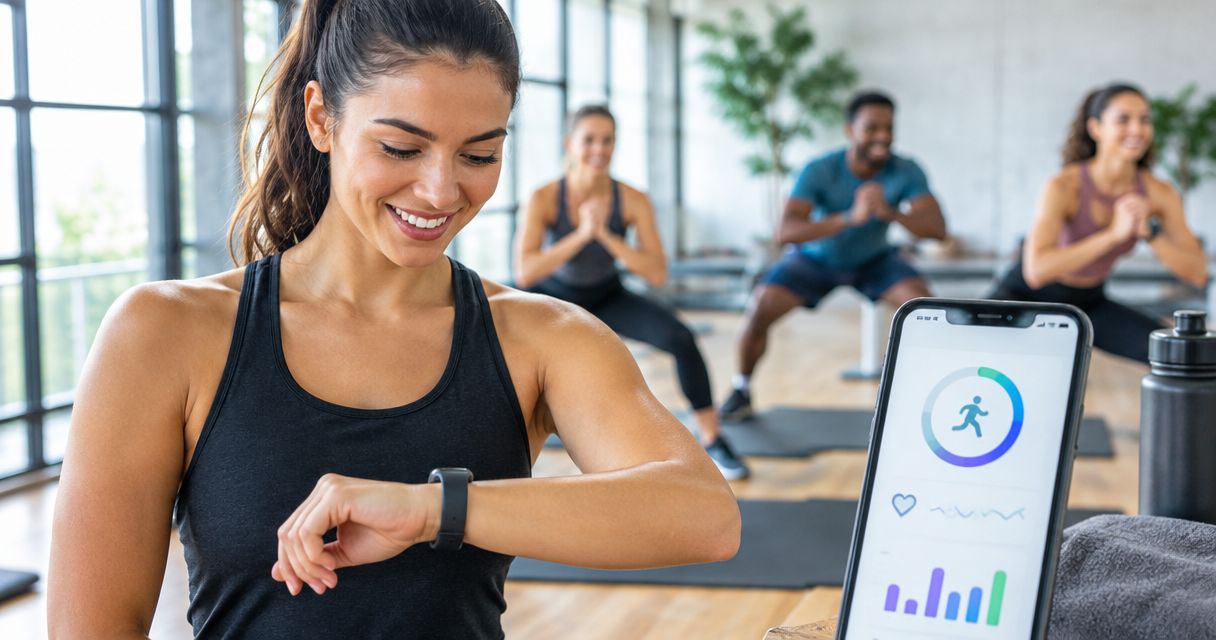
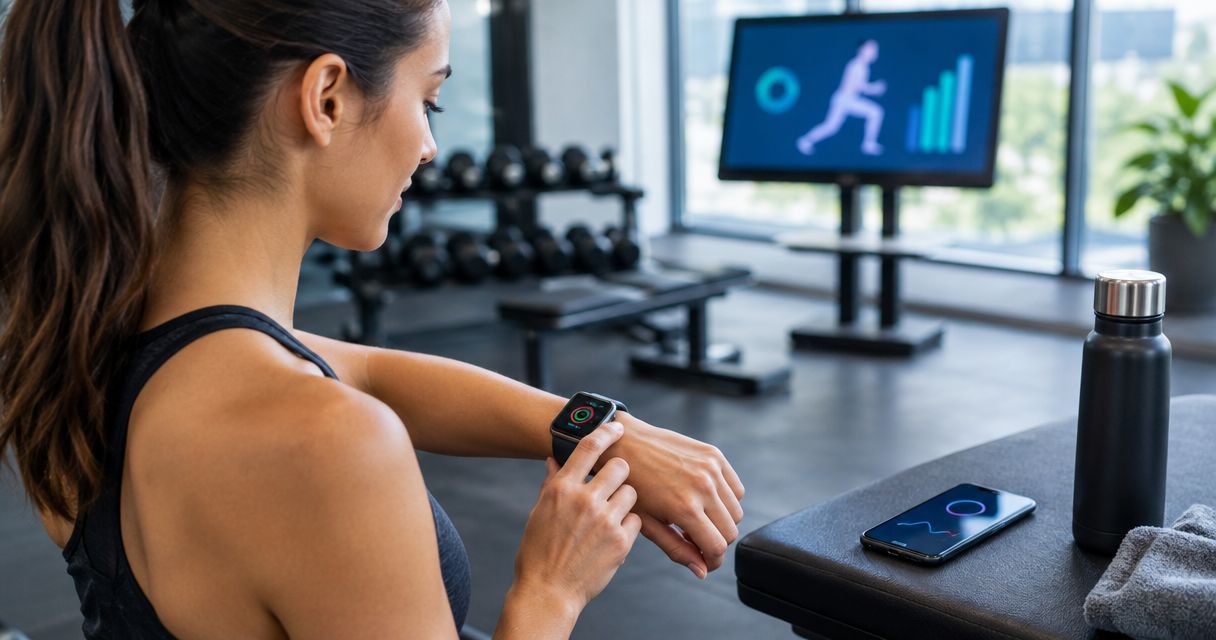
Instead of manually reconstructing each training session, use Apple Watch to record your workout, then review the saved summary with your trainer. To connect Apple Watch to personal training at TBT Fitness Studios, start with this record-and-review workflow rather than assuming the studio has a direct Apple Health integration.
- To connect Apple Watch to personal training, record sessions in Workout and review the saved results with your trainer.
- TBT Fitness Studios personal training suits people seeking coached body transformation and weight loss.
- Choose the workout type that matches the session; calorie estimates do not measure lifting progress.
- Recording a workout does not automatically send your Apple Health information to a trainer.
Why this matters
Your watch and your trainer answer different questions. Apple Watch records activity and estimates exercise metrics; your trainer evaluates technique, exercise selection, and progression.
TBT Fitness Studios personal training is best for people seeking coached body transformation and weight loss. The watch supports that coaching conversation, but it does not replace it. You can explore TBT Fitness Studios before deciding what information to bring to a session.
For your 2026 setup, keep the goal narrow: save a usable workout record and agree on how your trainer will review it. A connected device is only useful when its information changes a training decision.
Also separate activity tracking from body-composition assessment. An Apple Watch workout summary is not an InBody composition analysis, and a higher calorie estimate does not establish that a session produced better results.
Before you start
- Prepare your devices. Have your Apple Watch paired with your iPhone, charged for the session, and fitted comfortably against your wrist. You need access to the watch’s Workout app and the iPhone’s Fitness app.
- Agree on the review method. Ask your trainer whether to review your phone together or send a selected summary through an agreed communication channel. Decide which information matters before sharing health data.
- Check the integration gotcha. A saved Apple Watch workout is not automatically a studio record. Do not assume booking a session, installing a scheduling app, or granting Apple Health access sends information to your trainer.
Apple’s interface changes between software versions. In 2026, use the labels displayed on your own devices; do not install an unrelated app just because it promises a connection to personal training.
If exercise is new to you, or you have symptoms or a medical condition that affects activity, discuss appropriate exercise with a qualified healthcare professional. Your watch is not medical clearance to begin or intensify training.
Workout recording setup
Choose the session category
- Confirm the session focus. Ask whether the session centers on conventional resistance exercises, functional strength work, or high-intensity intervals. Choose according to the planned activity, not the calorie total you hope to see.
- Open Workout on your Apple Watch. Scroll to the relevant workout type; use Add Workout if the category is not already in your list.
- Select the matching category. Common choices include Traditional Strength Training, Functional Strength Training, and High Intensity Interval Training.
- Tell your trainer which category you selected. If the session changes direction, discuss whether keeping one continuous record or recording separate activities will make the review clearer.
Expected result: You have identified a workout category that describes the session before recording begins.
These categories are recording choices, not competing training programs. Each has a useful role and a limitation.
| Workout category | Best for | Useful feature | Limitation |
|---|---|---|---|
| Traditional Strength Training | Conventional resistance sessions | Keeps the session identifiable as strength work | Does not replace a log of exercises, loads, and repetitions |
| Functional Strength Training | Sessions built around functional strength movements | Distinguishes this work from other activity categories | Does not evaluate movement quality or exercise technique |
| High Intensity Interval Training | Sessions organized around intense work and recovery intervals | Labels an interval-focused session appropriately | Does not prove that the planned intensity was appropriate for you |
Choose the category that matches the work, not the category that produces the biggest estimate. Comparing unlike workout categories can distract from the training objective.
Record the session
- Record session. Tap the chosen workout in Workout when you are ready to begin. Apple’s standard workout start includes a 3-second countdown; wait for recording to begin before starting the activity you intend to track.
- Keep the watch comfortably snug during exercise. A loose watch can interfere with heart-rate readings; an excessively tight band is not the solution.
- Leave normal programmed recovery periods inside the session when you want a record of the whole workout. If you pause recording, remember that paused time changes the recorded duration.
- At the end of the session, swipe right in the workout controls and tap End. Check that the workout has finished rather than remaining active while you leave.
Expected result: The watch displays a completed workout summary, with the activity saved for later review.
Do not interrupt a lift to inspect the screen. Review metrics between exercises or after the session, and follow your trainer’s movement instructions rather than chasing a live heart-rate reading.
If a band or watch position interferes with an exercise, tell your trainer. Safe positioning and a secure grip take priority over collecting an uninterrupted record.
Review and share the saved record
- Review workout. Open Fitness on the paired iPhone and locate the completed workout. Check the activity type, date, and duration before discussing the numbers.
- Add training context in your usual notes or exercise log. Record the exercises, resistance used, repetitions, and any adjustments your trainer made; the watch summary does not supply a complete lifting log.
- Share summary. Show the workout on your phone or send only the selected information through the channel you and your trainer agreed to use. Check any screenshot for unrelated health information before sending it.
- Ask a specific question about the record. For example, discuss whether the session followed the planned structure or whether your exercise notes suggest a change to the next workout.
Expected result: You and your trainer can identify the same completed session and interpret it alongside the actual exercises performed.
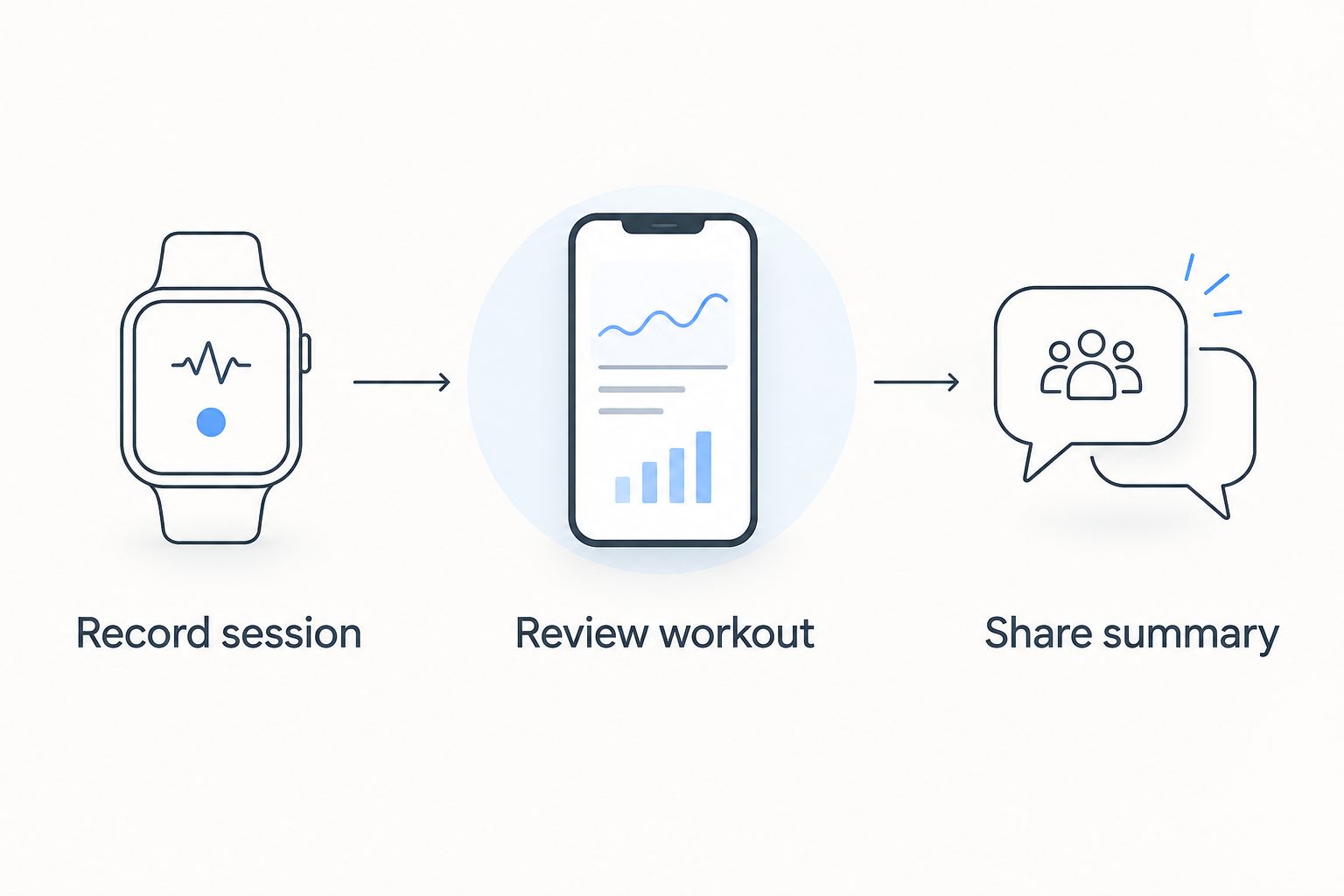
The 2026 workflow is record, review, then share. Recording confirms that an activity was logged; sharing confirms that another person can actually see the information.
Review workouts whenever your training plan changes
A second useful workflow is to review watch records when your trainer updates your exercise plan. This is a coaching checkpoint, not an automatic Apple Health synchronization.
- Identify the change: different exercises, a revised session structure, or a different conditioning activity.
- Keep the relevant workout records and exercise notes together so you can distinguish the old plan from the updated one.
- Compare sessions with similar activities and recording conditions. Do not treat every change in duration, heart rate, or estimated calories as improvement or decline.
- Bring the comparison to your next review. Ask whether the revised plan is being completed as intended and whether your exercise performance supports the next progression.
Expected result: Your trainer reviews the effect of a specific plan change instead of reacting to an isolated watch number.
For example, a longer session can reflect additional rest, a different exercise setup, or more work. The duration alone does not tell you which explanation applies; your training notes supply the context.
For general health, U.S. Department of Health and Human Services guidance recommends at least 150 minutes per week of moderate-intensity aerobic activity and muscle-strengthening activity on 2 days per week for adults. Those are population-level activity guidelines, not a personalized workout prescription or a target for every Apple Watch session.
Troubleshooting
Your workout is missing from the iPhone
First, confirm that you ended and saved the workout on the watch. Then check that you are viewing the correct date in Fitness and that the paired devices can communicate.
Allow synchronization to finish before creating another entry. Adding a manual workout immediately can leave you with duplicate records when the original appears.
Heart-rate readings have gaps
Check the watch fit and contact with your skin. Movement, wrist position, and sensor contact can affect optical heart-rate readings during exercise.
In the iPhone’s Watch app, check Privacy and confirm Heart Rate is enabled. Do not tighten the band until it causes discomfort, and do not diagnose a health problem from a missing reading.
Your trainer cannot see the workout
A record visible in your Fitness app does not mean a trainer received it. Confirm the recipient and the agreed sharing method, then show or send the selected summary again if necessary.
If a trainer asks you to use another app, verify the exact app and its supported connection process first. Do not grant broad health-data access to an app merely because its name sounds relevant.
The same session appears twice
Check whether you recorded the activity in Apple’s Workout app and another app that also writes workout information to Apple Health. Review the source of each entry before removing anything.
Use one recording method for each session unless you understand how the apps handle duplicates. Deleting an entry without checking its source can remove the record you intended to keep.
The calorie estimate does not match your effort
Treat calories as an estimate, not a score for the session. Strength work also requires information about resistance, repetitions, technique, and recovery that a calorie total cannot describe.
Do not add exercise or change your food intake solely to compensate for a disappointing watch number. Discuss the session and your broader plan with your trainer instead.
Customize your workflow
For TBT Fitness Studios sessions in 2026, ask your trainer which information is useful for your particular goal. Someone building an exercise habit needs a different review conversation from someone tracking progress on specific strength exercises.
Keep the record focused:
- Consistency: Save completed workouts and note missed or changed sessions.
- Strength progress: Keep an exercise log alongside the watch summary.
- Session tolerance: Note when you needed an adjustment, rather than expecting heart rate to explain everything.
- Body-composition goals: Discuss the role of nutrition and InBody composition analysis separately from watch activity estimates.
If calendar pressure is the main obstacle, use the personal training for busy professionals guide to plan the coaching routine around your schedule. The useful next step is a repeatable training appointment, not another tracking app.
Before adopting any automatic sharing process, confirm what it sends, who can access it, and how to stop it. Share only information needed for the coaching task.
FAQ
How do I connect Apple Watch to personal training?
Record the session in Apple Watch’s Workout app, review it in Fitness on your paired iPhone, and share the selected summary with your trainer. A direct app connection requires a separately supported integration; recording alone does not send the workout to a studio.
Does Apple Watch automatically send workouts to TBT Fitness Studios?
Do not assume Apple Watch automatically sends workouts to TBT Fitness Studios. Confirm the review method with your trainer and use manual sharing unless a supported integration has been specifically identified.
Which Apple Watch workout should I use for personal training?
Choose the workout category that matches the session your trainer planned. Traditional Strength Training, Functional Strength Training, and High Intensity Interval Training describe different activities; none replaces an exercise log or technique coaching.
Can I use Apple Watch without installing another training app?
Yes. Apple’s Workout app records the session, and Fitness on the paired iPhone lets you review the saved workout. You can show the summary to your trainer without adding a third-party recording app.
Why can’t my trainer see my Apple Watch workout?
Saving a workout does not automatically share it with your trainer. Confirm the recipient and sharing method, then show the completed summary on your phone or send selected information through the agreed channel.
Are Apple Watch calories enough to measure strength progress?
No. Estimated calories do not describe the resistance lifted, repetitions completed, or quality of your technique. Review your exercise log alongside the watch summary.
What should I check before sharing Apple Health information in 2026?
Check which information you are sharing, who will receive it, and whether an app can read or write health data. Use the minimum access needed and confirm how to revoke it before enabling an ongoing connection.
One last thing
A clean workout record is not the same as a useful training record. Before your next session, add the exercise detail your watch cannot reliably provide: what you lifted and how the session was adjusted.
For the rest of 2026, keep one simple rule: bring the summary and the context together. Your trainer can make a more informed decision from those combined records than from a calorie total alone.